Changing Logging Settings
Changing the logging settings via Intershop System Management means customizing the level filters and category assignments for the existing appenders.
Selecting the Settings Scope
First choose whether to define cluster-wide or application-server-specific logging settings:
-
To define cluster-wide settings, open Logging | Cluster Wide Settings in the Intershop System Management navigation bar.
-
To define application-server-specific settings, proceed as described in Define Settings Scope, and apply the Use Application-Server-Specific Settings option.
Note:
The further logging options apply to both the cluster-wide and the application-server-specific settings.
Setting the Level Filter
-
In the Level Filter section, select the filter level to use.
Figure 1. Selecting a level filter 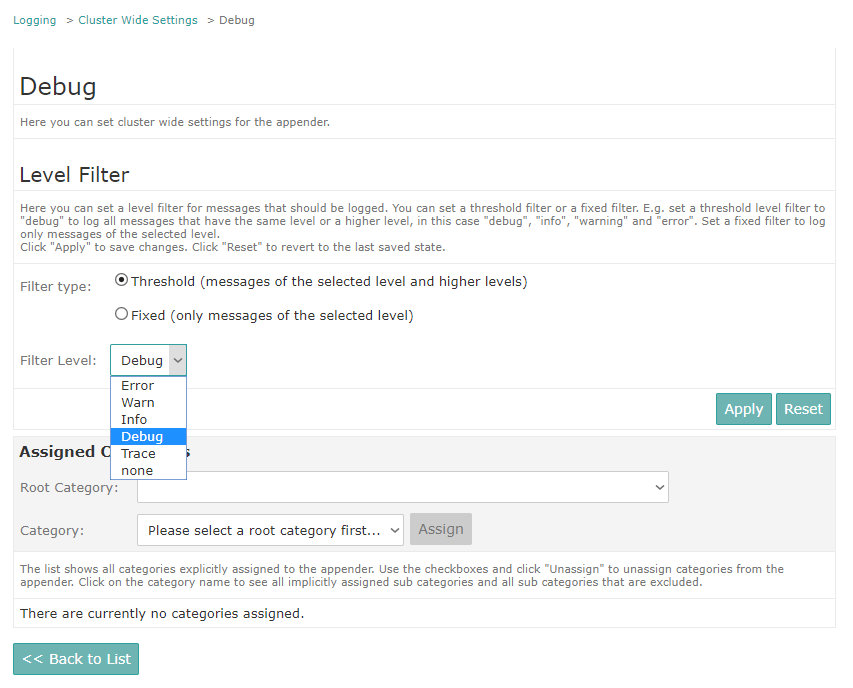
Managing Categories
Note:
The category lists delivered by the Intershop System Management Logging module only display categories that are known to the logging system at the given time. A category is known if it is explicitly mentioned in a configuration file or after the corresponding application code has issued a log request for this category.
Assigning Categories
-
In the Assigned Categories section, select the required categories.
Before setting the required category level, you must select a root category (with
additivity="false") that limits the appender inheritance, see Guide - Application Logging Administration).The category drop-down list allows for selecting all sub categories of the given root category that are not already included.Figure 2. Assigning a category to an appender 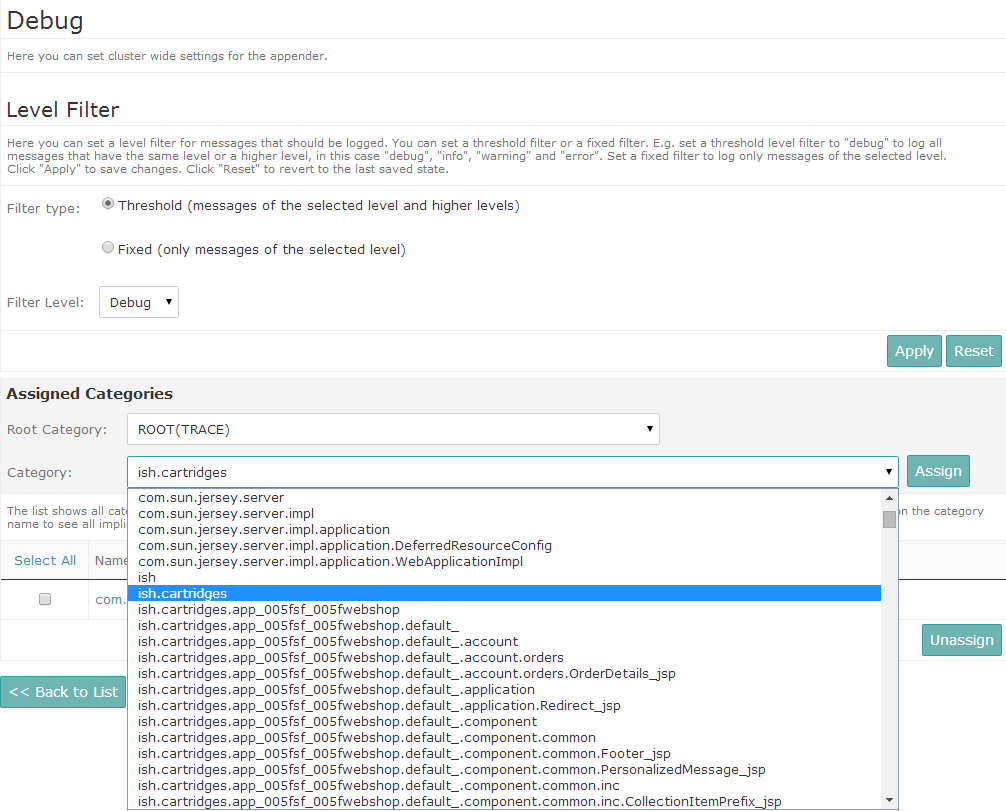
Viewing Sub Categories
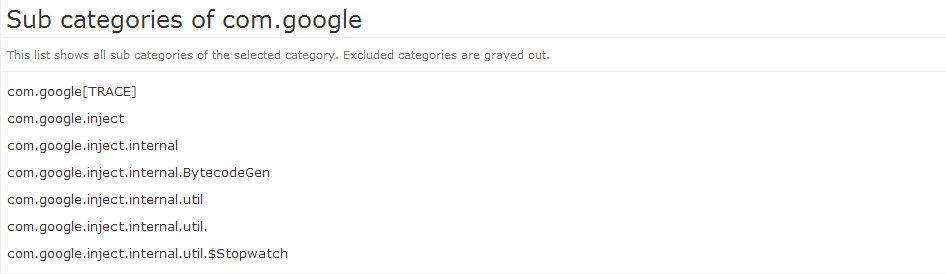
Categories may include sub categories that are included automatically when creating assignments for appenders.
-
In the Assigned Categories list, click the name of an assigned category.
The Sub Categories page is displayed.
Figure 3. Example - automatically included sub categories